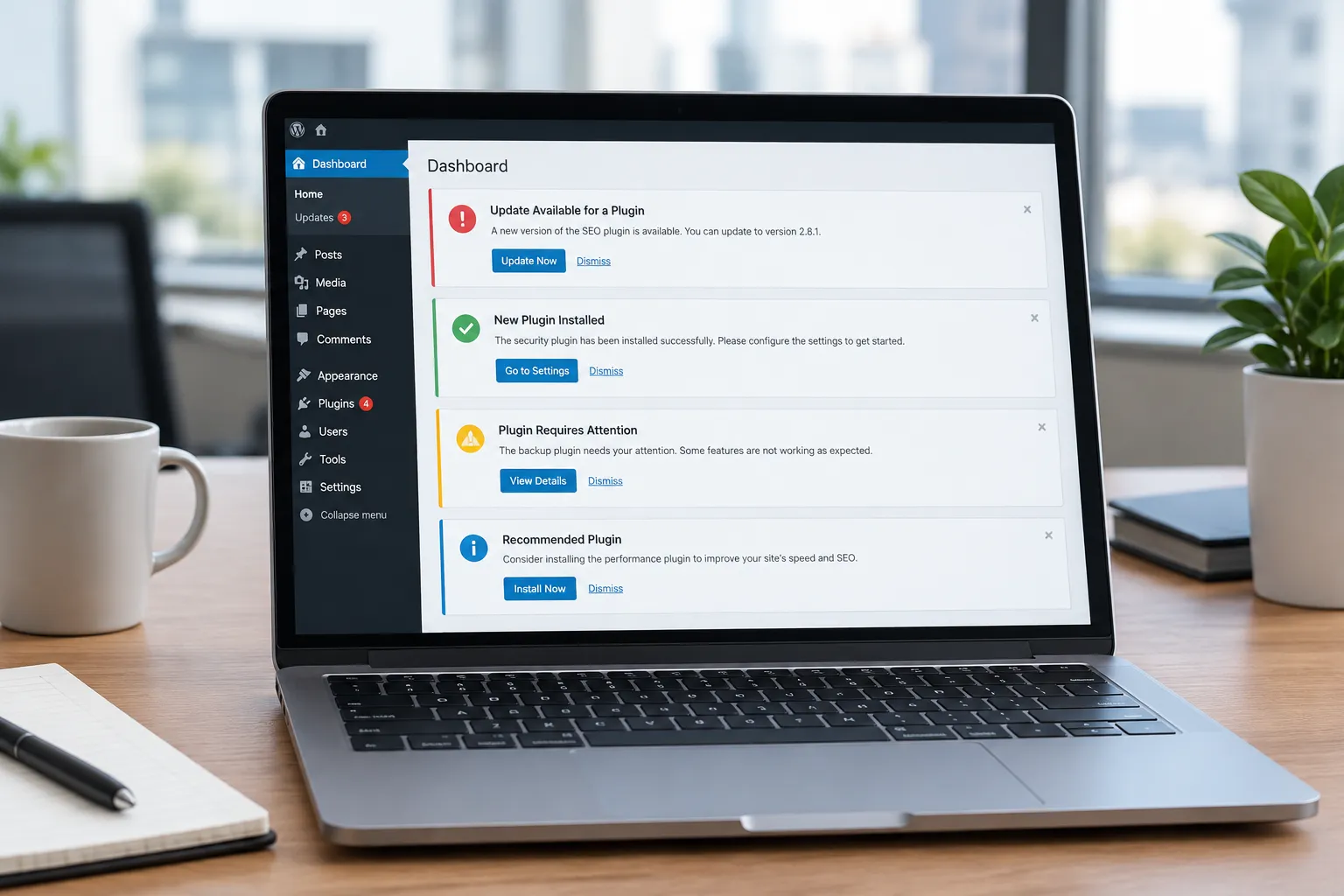
With the rise of cyber threats, securing your WordPress site from hackers is more crucial than ever. Many site owners find themselves overwhelmed by the technicalities of security measures, but AI-driven tools can offer a more accessible solution. These tools can automate security monitoring, detect vulnerabilities, and respond to threats in real-time, making them an invaluable asset for WordPress site owners.
Understanding AI in WordPress Security
AI tools designed for WordPress security primarily focus on three areas: monitoring, detection, and response. They continuously monitor your site for unusual activity, detect vulnerabilities before they can be exploited, and respond to potential threats swiftly. This automation not only enhances security but also reduces the workload on site administrators.
Monitoring Your Site
AI tools excel at monitoring site activity. They can track login attempts, identify unusual patterns, and alert you when something seems amiss. For instance, if there are multiple failed login attempts from a suspicious IP address, an AI tool can flag this as a potential threat. Additionally, AI can monitor for changes in file integrity, providing alerts if unauthorized modifications occur.
Detecting Vulnerabilities
WordPress sites are often targeted due to outdated plugins or themes. AI tools can scan your site to identify these vulnerabilities and suggest updates or fixes. This proactive approach helps in patching security holes before they are exploited by hackers. Furthermore, AI can evaluate the security settings of your WordPress installation, recommending improvements for stronger defense.
Responding to Threats
When a threat is detected, AI can respond faster than any human. It can block IP addresses, apply security patches, or even roll back to a previous safe state. This immediate response is crucial in minimizing damage during an attack. AI can also quarantine suspicious files, preventing potential damage while further investigation is conducted.
Implementing AI-Driven Security Measures
Implementing AI-driven security measures doesn't require deep technical expertise. Here’s how you can start:
- Install a Connector Plugin: Begin by installing a connector plugin like the free Genwave plugin. This acts as a bridge, enabling AI tools to integrate seamlessly with your WordPress site.
- Use Genwave Agent: Once the plugin is installed, consider using Genwave Agent. It operates within your WordPress admin, offering a conversational interface to manage security tasks and more.
- Monitor Activity: Set up the AI to monitor login attempts, file changes, and other critical activities. This continuous monitoring is your first line of defense.
- Schedule Regular Scans: Use AI to schedule regular scans for vulnerabilities. This proactive step ensures that your site is always up to date with the latest security patches.
- Automate Responses: Configure the AI to automate responses to common threats, such as blocking IPs or alerting you via email.
For a detailed guide on setting up the Agent, refer to the getting started guide.
Questions to Ask Before Choosing AI Security Tools
Before integrating AI into your WordPress security strategy, consider these questions:
- Does the tool integrate with my existing plugins and themes?
- Can it provide real-time alerts and responses?
- What kind of data does it monitor and log?
- Is the tool easy to set up and manage without technical expertise?
- Does it offer support for multiple languages, if my site serves a diverse audience?
Common Pitfalls and How to Avoid Them
Implementing AI security measures can significantly enhance your site's protection, but there are common pitfalls to be aware of:
- Over-reliance on Automation: While AI can handle many tasks, human oversight is still essential. Regularly review AI actions and alerts to ensure they're appropriate.
- Ignoring AI Recommendations: AI tools may suggest updates or changes to improve security. Ignoring these recommendations can leave your site vulnerable.
- Failure to Update AI Tools: Just like any software, AI tools need regular updates to stay effective against new threats. Ensure your AI tools are up to date.
Why Choose AI for WordPress Security?
The primary advantage of AI in security is its ability to handle tasks at a scale and speed that humans cannot match. AI tools are constantly learning and adapting to new threats, ensuring that your site is protected against the latest vulnerabilities. Additionally, they reduce the need for manual intervention, allowing you to focus on other aspects of your site.
For those interested in how AI can enhance other areas of your WordPress site, consider exploring Genwave Studio for an AI-native front end or the Genwave Chatbot for improved visitor interaction.
Frequently Asked Questions
Can AI completely secure my WordPress site?
While AI significantly enhances security, no tool can guarantee complete protection. It's essential to combine AI with best practices like using strong passwords and keeping software updated.
How does Genwave Agent help with security?
Genwave Agent monitors site activity, detects vulnerabilities, and automates responses to threats, all within your WordPress admin interface.
Is AI-driven security suitable for non-technical users?
Yes, AI tools like Genwave are designed to be user-friendly, with conversational interfaces that make security management accessible to all users.
Do I need to change my hosting to use AI security tools?
No, with Genwave, it's "Your site. Your hosting. Your choice." You can implement AI security measures without changing your hosting provider.
What happens if an AI tool makes a mistake?
Genwave Agent includes a preview and confirmation step before actions are taken. For content edits, undo is available, providing an additional safety net.