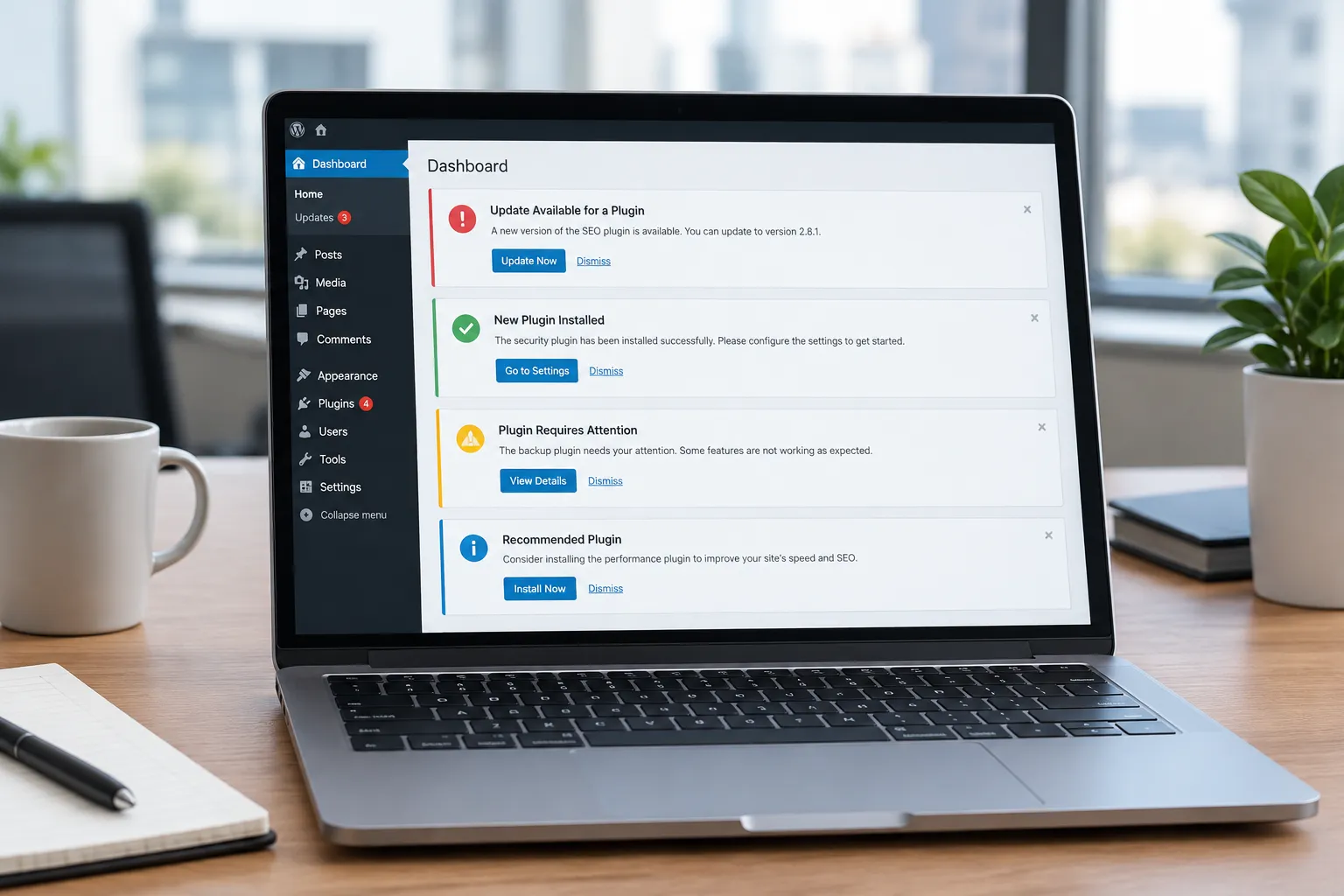
Many WordPress site owners have already implemented basic security measures, such as installing security plugins and keeping themes and plugins updated. However, with cyber threats constantly evolving, these steps might not be enough. Advanced strategies, like using AI, can provide an extra layer of security, identifying vulnerabilities, automating threat detection, and responding to attacks in real-time.
Why Basic Security Isn't Enough
Basic security measures are essential, but they often fall short in the face of sophisticated attacks. Hackers are developing new methods and exploiting zero-day vulnerabilities faster than traditional security solutions can adapt. Relying solely on basic security can leave your site exposed to risks like malware infections, data breaches, and unauthorized access.
AI's Role in Enhancing Security
AI can significantly enhance WordPress security by:
- Identifying Vulnerabilities: AI algorithms can scan your site for known vulnerabilities and potential weak points, suggesting fixes before they are exploited.
- Automating Threat Detection: AI can continuously monitor site activity, detect anomalies, and identify potential threats in real-time.
- Responding to Attacks: AI systems can take immediate action to mitigate attacks, such as blocking suspicious IPs or restoring a backup if a breach is detected.
Integrating AI with Existing Security Plugins
AI doesn't have to replace your current security measures; it can complement them. Many WordPress security plugins can integrate with AI tools to provide more comprehensive protection. AI can analyze data from these plugins to enhance their effectiveness, ensuring that your site is protected against both known and emerging threats.
For example, AI can work alongside your firewall to better identify and block malicious traffic or enhance malware scanners by providing predictive analysis of potential threats.
Concrete Example Requests
Here are some specific requests you can make when using AI to boost your WordPress security:
- "Scan my site for outdated plugins that could be vulnerable."
- "Identify any unusual login attempts and block those IP addresses."
- "Monitor file changes and alert me if any core files are altered."
- "Provide a report on security vulnerabilities and suggest immediate fixes."
Checklist for Choosing AI Security Solutions
Before choosing AI tools for WordPress security, consider the following questions:
- Does the AI tool integrate with my existing security plugins?
- How does the AI handle false positives to avoid unnecessary alerts?
- Is there a user-friendly interface for non-technical users?
- What kind of support and documentation is available?
- How does it affect site performance?
How Genwave Can Help
Genwave offers tools that can assist in maintaining robust security without overwhelming the site owner. The Genwave Agent can help manage your site's security by running scans and suggesting improvements through a conversational interface. It acts within your WordPress capabilities, ensuring that all actions are logged and require confirmation before execution.
Additionally, Genwave Studio can rebuild your site's front end with security in mind, while the Genwave Chatbot can be trained to answer security-related queries from your visitors, providing them with reassurance and directing them to human support when necessary.
Maintaining Security with Ease
Managing advanced security measures can be daunting, but AI can simplify the process. By automating routine tasks and providing actionable insights, AI reduces the burden on site owners, allowing them to focus on other critical aspects of website management.
For those looking to explore AI-driven security without a significant upfront commitment, starting with the free Genwave plugin can be a good entry point. It connects your site to Genwave's AI capabilities, offering basic content generation and more.
What Could Go Wrong and How to Avoid It
Even with AI, security isn't foolproof. Misconfigurations, over-reliance on AI without human oversight, and ignoring alerts can lead to vulnerabilities. To avoid these pitfalls, ensure that AI tools are correctly configured and regularly updated. Combine automated systems with human checks and balances to catch any issues AI might miss.
Frequently Asked Questions
How does AI improve WordPress security?
AI enhances security by identifying vulnerabilities, automating threat detection, and responding to attacks in real-time, providing an extra layer of protection.
Can AI integrate with my current security plugins?
Yes, AI can complement existing plugins, enhancing their effectiveness by analyzing data and providing predictive threat analysis.
Is it difficult to implement AI for WordPress security?
Not necessarily. Tools like the Genwave Agent offer user-friendly interfaces that make it easier to integrate AI into your security strategy.
How does the Genwave Agent help with security?
The Genwave Agent runs security scans, suggests improvements, and logs actions, allowing for a streamlined security management process.
Will AI slow down my WordPress site?
Properly implemented AI solutions should not slow down your site. They are designed to work efficiently in the background, minimizing resource usage.