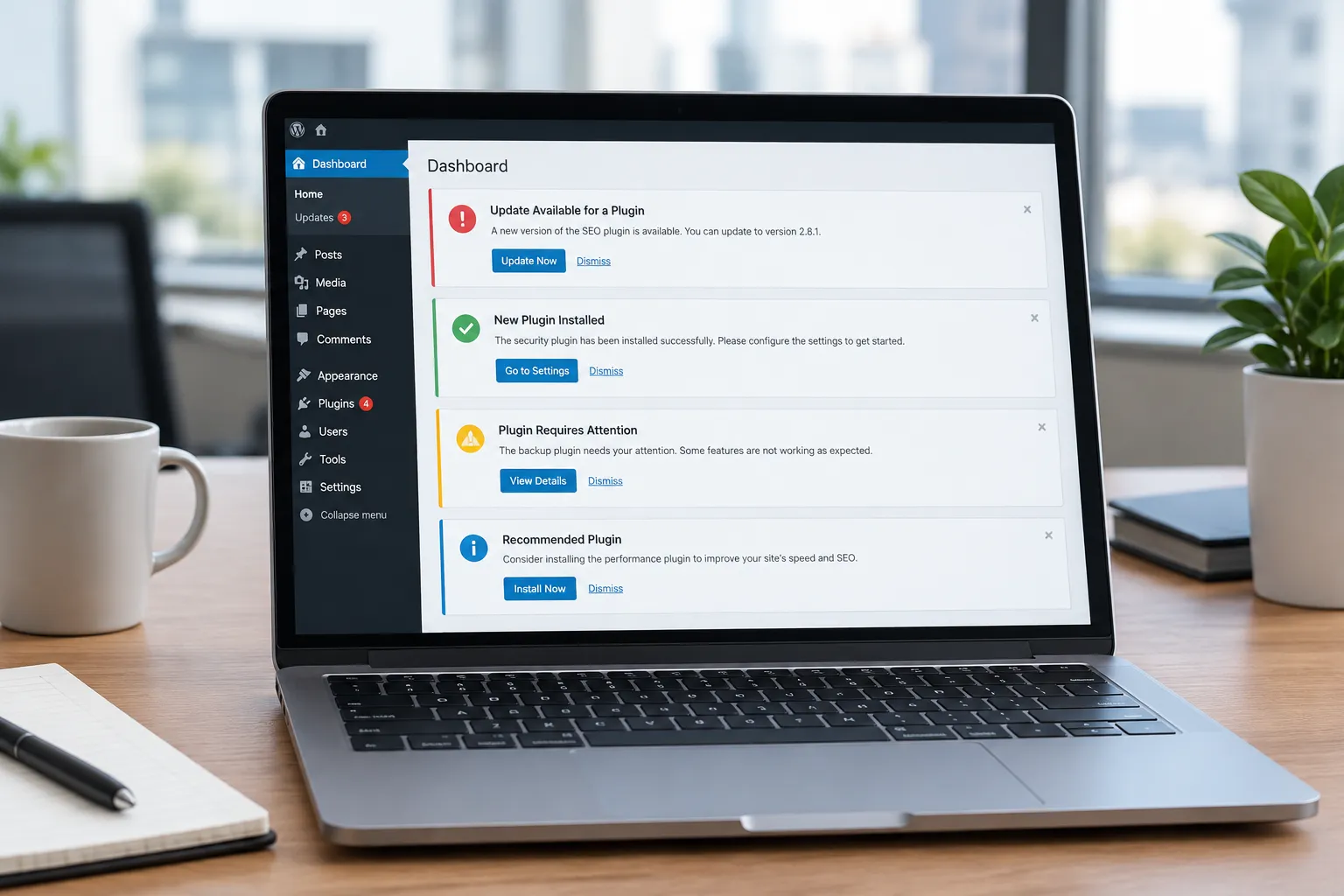
WordPress plugin conflicts are a common headache for site owners. They can disrupt functionality, lead to errors, and even bring your site down. The challenge is identifying the source of the conflict and resolving it without causing further issues. This is where AI, specifically tools like the Genwave Agent, can play a crucial role.
Identifying Plugin Conflicts with AI
Plugin conflicts often occur when two or more plugins attempt to perform similar actions or when a plugin update is incompatible with your current setup. Traditionally, resolving these conflicts involves disabling plugins one by one to pinpoint the issue. This process is time-consuming and can lead to site downtime.
AI can streamline this process by analyzing your site's plugins and their interactions. The Genwave Agent, for instance, can examine the code and behavior of your plugins to identify the sources of conflict. It does this by running diagnostics within the WordPress admin panel, alerting you to potential issues before they become major problems.
Common Plugin Conflict Scenarios
Understanding common scenarios where plugin conflicts arise can help you anticipate issues:
- Two plugins perform overlapping functions, such as SEO optimization and caching.
- A plugin update introduces a new feature that clashes with existing functionality.
- Custom code in your theme conflicts with plugin code.
- Server environment changes affect plugin compatibility.
In these scenarios, AI can quickly identify which plugins are involved and suggest actionable solutions.
Previewing and Implementing Solutions
One of the key advantages of using AI to manage plugin conflicts is the ability to preview potential solutions. With the Genwave Agent, you can see a detailed preview of the actions it will take to resolve the conflict. This includes changes to plugin settings, code adjustments, or even recommendations for alternative plugins. You can review these proposed changes, ensuring they align with your site's needs before implementing them.
Implementing changes is straightforward and secure. The Genwave Agent operates within the logged-in user's WordPress capabilities, ensuring that even complex fixes are implemented safely and effectively. This approach minimizes the risk of inadvertently overriding important settings or permissions.
Checklist for Managing Plugin Conflicts
Here's a checklist to help you manage plugin conflicts using AI:
- Identify the issue by monitoring site performance and error messages.
- Use AI diagnostics to pinpoint conflicting plugins.
- Preview suggested solutions and verify their impact on your site.
- Implement changes within your WordPress user capabilities.
- Log all actions for future reference and transparency.
- Test your site thoroughly after implementing changes.
Limitations of Undo Features
While AI can significantly aid in managing plugin conflicts, it's important to understand the limitations of undo features. With Genwave, undo is specifically available for content edits, such as post or page updates, deletions, or status changes. A snapshot is taken before these actions, allowing you to revert back if necessary. However, for non-content edits, such as changes to plugin settings or code, undo options are not available. This reinforces the importance of reviewing AI's proposed actions before confirming them.
Utilizing Genwave Agent for Plugin Management
If you're considering using AI for plugin management, the Genwave Agent offers a practical solution. It integrates seamlessly through the free Genwave plugin, which acts as a connector for all Genwave services. This means you can start managing plugin conflicts without additional setup complexities.
For a deeper dive into what the Genwave Agent can do, visit the capabilities page. If you're ready to get started, the getting started guide offers step-by-step instructions to set up and use the Agent effectively.
Questions to Ask Before Choosing a Solution
Before deciding on an AI tool to manage plugin conflicts, consider the following questions:
- Does the tool operate within your existing WordPress capabilities?
- Can it provide a preview of changes before implementation?
- Are all actions logged for transparency?
- What are the limitations of its undo features?
- Does it integrate seamlessly with your current plugins and setup?
These questions will help ensure you choose a solution that aligns with your needs and capabilities.
Frequently Asked Questions
How can AI help with WordPress plugin conflicts?
AI can analyze your plugins to identify the sources of conflicts, propose solutions, and implement them safely within your capabilities, reducing downtime and errors.
Can I undo changes made by AI to my plugins?
Undo is available for content edits, but not for non-content changes like plugin settings. Review AI's actions before confirming to ensure they meet your needs.
Do I need technical skills to use Genwave Agent?
No, Genwave Agent operates within your WordPress capabilities, making it accessible to non-technical users. It previews actions before implementing them for safety.
Where can I find more information about Genwave Agent?
Visit the Genwave Agent page for details. For a comprehensive guide, check the getting started guide and the capabilities page.
What happens if a plugin conflict causes my site to crash?
The Genwave Agent can help identify the conflicting plugins and suggest solutions to restore your site. Always ensure you have a recent backup before making changes.