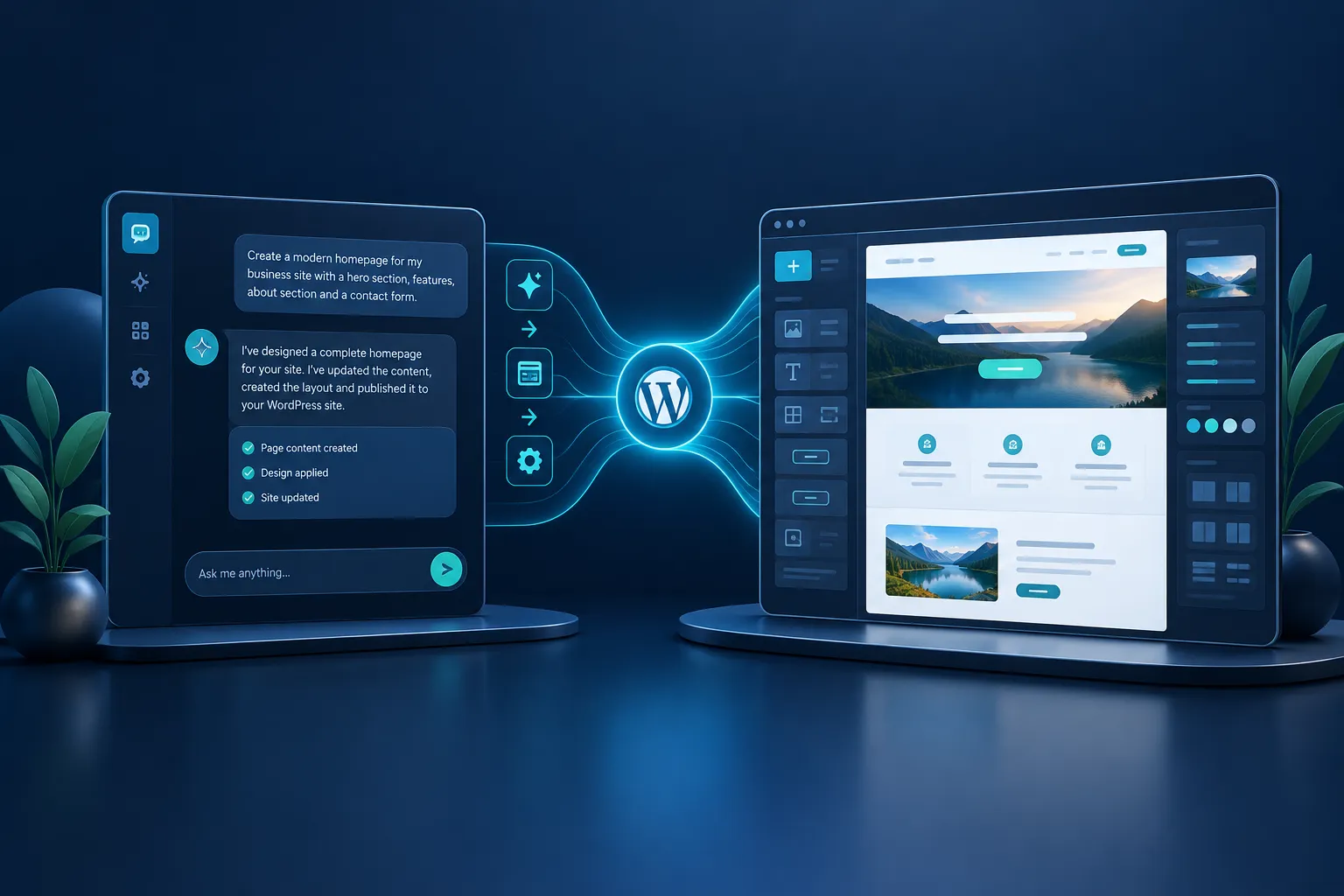
Customizing a WordPress theme can be daunting, especially if you're not a developer. Yet, tailoring your site's look is crucial for branding and user experience. AI can simplify this process, making it accessible even to those with limited technical skills. Let's explore how AI, particularly through Genwave Agent, can help you modify themes seamlessly, preview changes, and ensure compatibility with your existing setup.
Common Challenges in Theme Customization
Before diving into solutions, it's important to understand the typical hurdles of theme customization:
- Technical Complexity: Many users find it challenging to navigate CSS, PHP, and other coding languages required for theme customization.
- Compatibility Issues: Modifications can sometimes conflict with existing plugins or content, leading to a broken site.
- Time-Consuming: Customizing themes traditionally takes time, especially if you're learning as you go.
These challenges can deter users from creating the website they envision. However, AI offers a way to overcome these obstacles.
How AI Simplifies Theme Customization
AI can drastically reduce the complexity of customizing WordPress themes. Here's how:
- Conversational Interface: With Genwave Agent, you can modify themes by simply typing requests in natural language. For example, "Change the header's background color to blue" or "Add a new section for testimonials beneath the homepage slider." This removes the need to dive into code.
- Preview Before Applying: One of the standout features of Genwave Agent is its preview capability. Before any changes are applied, you can see exactly what the modification will look like, reducing the risk of unwanted surprises.
- Ensures Compatibility: Genwave Agent works within the WordPress framework, respecting existing plugins and content. It checks for potential conflicts, ensuring that your customizations don't break your site.
By integrating AI, users can focus more on creativity and less on the technicalities of theme customization.
Concrete Examples of AI Requests
Here are some specific examples of what you can ask Genwave Agent to do:
- "Create a new landing page using the existing template, add a contact form at the bottom."
- "Update all product pages to include a new promotional banner."
- "Reorder the main menu to place 'Blog' before 'Contact Us'."
- "Add a custom footer with links to privacy policy and terms of service."
- "Change the font of all headings to match the new brand guidelines."
These tasks showcase the flexibility and power of AI in handling both simple and complex requests.
Practical Tips for Using AI in Theme Customization
Whether you're a beginner or an experienced user, these tips can help you make the most of AI for theme customization:
- Start with Clear Objectives: Know what you want to achieve with your theme customization. This clarity will help you communicate effectively with the AI.
- Use Simple Language: When interacting with Genwave Agent, keep your requests straightforward. The AI is designed to understand natural language, but clarity always helps.
- Take Advantage of Previews: Always preview changes before confirming them. This ensures that the modifications align with your vision.
- Check Compatibility: After applying changes, test your site to ensure that all elements work harmoniously together. Genwave Agent minimizes conflicts, but it's always good to double-check.
- Explore Further Customizations: Once you're comfortable with basic changes, try more advanced customizations. The more you explore, the more you'll learn about what the AI can do.
Checklist: Questions to Ask Before Customizing
Before diving into theme customization, consider these questions to ensure a smooth process:
- What specific changes do I want to make to the theme?
- How will these changes impact my site's usability and aesthetics?
- Are there existing plugins or content that might conflict with these changes?
- Do I have a backup of my site in case something goes wrong?
- Have I set up a staging environment to test changes before applying them live?
Having clear answers to these questions will help you use AI effectively and avoid common pitfalls.
Using Genwave Agent for Theme Customization
Genwave Agent offers a powerful solution for WordPress theme customization. It allows you to:
- Modify themes through conversation, handling various elements like headers, footers, and widgets.
- Preview changes and ensure they're applied correctly, reducing the need for trial and error.
- Maintain compatibility with existing plugins and content, preserving your site's functionality.
For more detailed instructions, visit the Genwave Agent getting started guide or explore the capabilities page to see what else the Agent can do.
Frequently Asked Questions
How does AI help in customizing WordPress themes?
AI simplifies the process by allowing conversational input for modifications, providing previews, and ensuring compatibility with existing site elements.
Can Genwave Agent handle complex theme changes?
Yes, Genwave Agent can manage a wide range of theme modifications, from simple color changes to adding new sections or widgets.
Is Genwave Agent compatible with all WordPress themes?
Genwave Agent works with most WordPress themes, ensuring that changes are made within the framework to avoid conflicts.
What if I make a mistake during customization?
Genwave Agent allows you to preview changes before they're applied, minimizing errors. However, always test changes in a staging environment first.
How do I get started with Genwave Agent?
Install the free Genwave plugin to connect your site, then explore the features of Genwave Agent for theme customization.