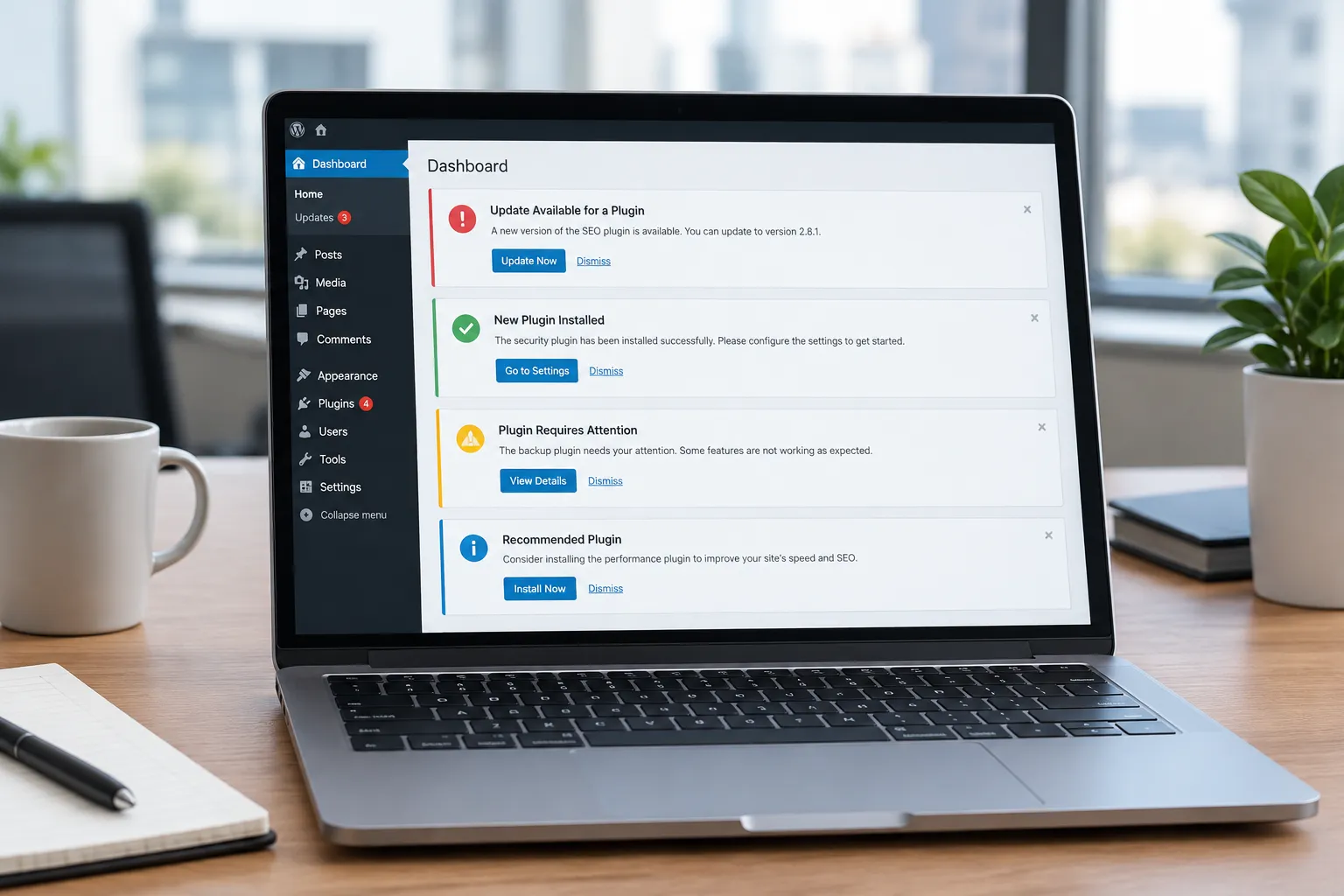
Ensuring your WordPress site is accessible to everyone, including users with disabilities, is not just a legal obligation but also a way to expand your audience and improve user experience. However, making a site accessible can be a daunting task, especially if you're not familiar with the technical aspects involved. This is where AI tools come into play, offering solutions to streamline and automate the process.
Common Accessibility Challenges
Accessibility involves making your site usable for people with various disabilities. Common challenges include:
- Alt Text for Images: Many sites lack descriptive alt text, which screen readers use to convey the content of images to visually impaired users.
- Keyboard Navigation: Ensuring that all site functions are operable via keyboard is crucial for users who cannot use a mouse.
- Color Contrast: Poor contrast can make text difficult to read for those with visual impairments.
- Form Labels: Forms without proper labels can be confusing for screen reader users.
How AI Can Help
AI tools can assist in identifying and resolving these issues efficiently. Here's how:
- Automating Alt Text: AI can suggest alt text for images based on their content, saving time and ensuring consistency.
- Checking Color Contrast: AI tools can analyze your site's color schemes and suggest improvements to meet accessibility standards.
- Ensuring Keyboard Navigation: AI can test your site for keyboard accessibility, highlighting areas that need adjustments.
Using Genwave Agent for Accessibility
Genwave Agent provides a conversational interface to manage your WordPress site, including its accessibility features. Here's how you can use it:
- Optimize Alt Text: Ask Genwave Agent to scan your site for images lacking alt text and suggest appropriate descriptions.
- Check Keyboard Navigation: Request a report on site elements that aren't keyboard accessible. Genwave can help you make necessary adjustments.
- Analyze Color Contrast: Use Genwave to evaluate your site's color contrast and receive suggestions for improvements.
Example Requests
Here are some practical requests you can make to Genwave Agent to improve accessibility:
- "Identify images without alt text and suggest descriptions."
- "Test the site for keyboard navigation issues and list them."
- "Evaluate color contrast on the homepage and suggest improvements."
- "Check forms for missing labels and provide a report."
Questions to Ask Before Choosing AI Tools
Before selecting AI tools for accessibility, consider these questions:
- Does the tool integrate with existing plugins and themes?
- How does the tool handle data privacy and security?
- Is there support for multiple languages, including RTL languages like Arabic and Hebrew?
- Will the tool provide previews before making changes?
- How easy is it to undo changes if something goes wrong?
Genwave Agent, for instance, integrates seamlessly with WordPress, provides previews of changes, and respects user permissions. Learn more about its capabilities here.
Legal Compliance and User Experience
Improving accessibility isn't just about legal compliance with standards like the ADA or WCAG; it's about creating a better user experience for all visitors. Accessible sites are more inclusive, often resulting in increased engagement and broader reach.
Failure to address accessibility can lead to legal challenges and alienate potential users. By using AI to automate and streamline the process, you can ensure that your site remains compliant and user-friendly.
Additional AI Tools and Resources
While Genwave Agent is a powerful tool, consider complementing it with other resources:
- Accessibility Plugins: Use plugins that specialize in accessibility to further enhance your site.
- Online Testing Tools: Tools like WAVE can help you test your site's accessibility.
- Documentation: Refer to the Genwave documentation for more detailed information on accessibility features.
Genwave Studio can also be used to rebuild your site's front end with accessibility in mind. It ensures that your site remains accessible while keeping WordPress as the CMS underneath. Learn more about it here.
Frequently Asked Questions
What is the best AI tool for improving WordPress accessibility?
Genwave Agent is an excellent choice as it offers conversational management of accessibility features directly within WordPress.
How can AI help with alt text for images?
AI can suggest descriptive alt text for images, ensuring consistency and saving time in manual updates.
Is keyboard navigation necessary for accessibility?
Yes, it's essential for users who rely on keyboards instead of mice, ensuring all site functions are accessible.
How do I start using Genwave Agent for accessibility?
Install the Genwave plugin, connect your site, and refer to the getting started guide for instructions.
Does improving accessibility affect SEO?
Yes, a more accessible site can enhance SEO by improving user experience and site usability.
What happens if AI makes a mistake on my site?
Genwave Agent provides previews before changes are made and operates within user permissions, minimizing risks. Always review suggested changes.