Ever tried to make one tiny change to your website and ended up with a whole project?
Maybe you want to update a headline, add a section to your homepage, publish a blog post, or change something in your store. Sounds simple. But when you run a WordPress site, the tricky part can be figuring out which screen to open, which plugin does what, and where the page you need is hiding.
That's the idea behind GenWave: instead of starting with menus and settings, you start by describing what you want to do.
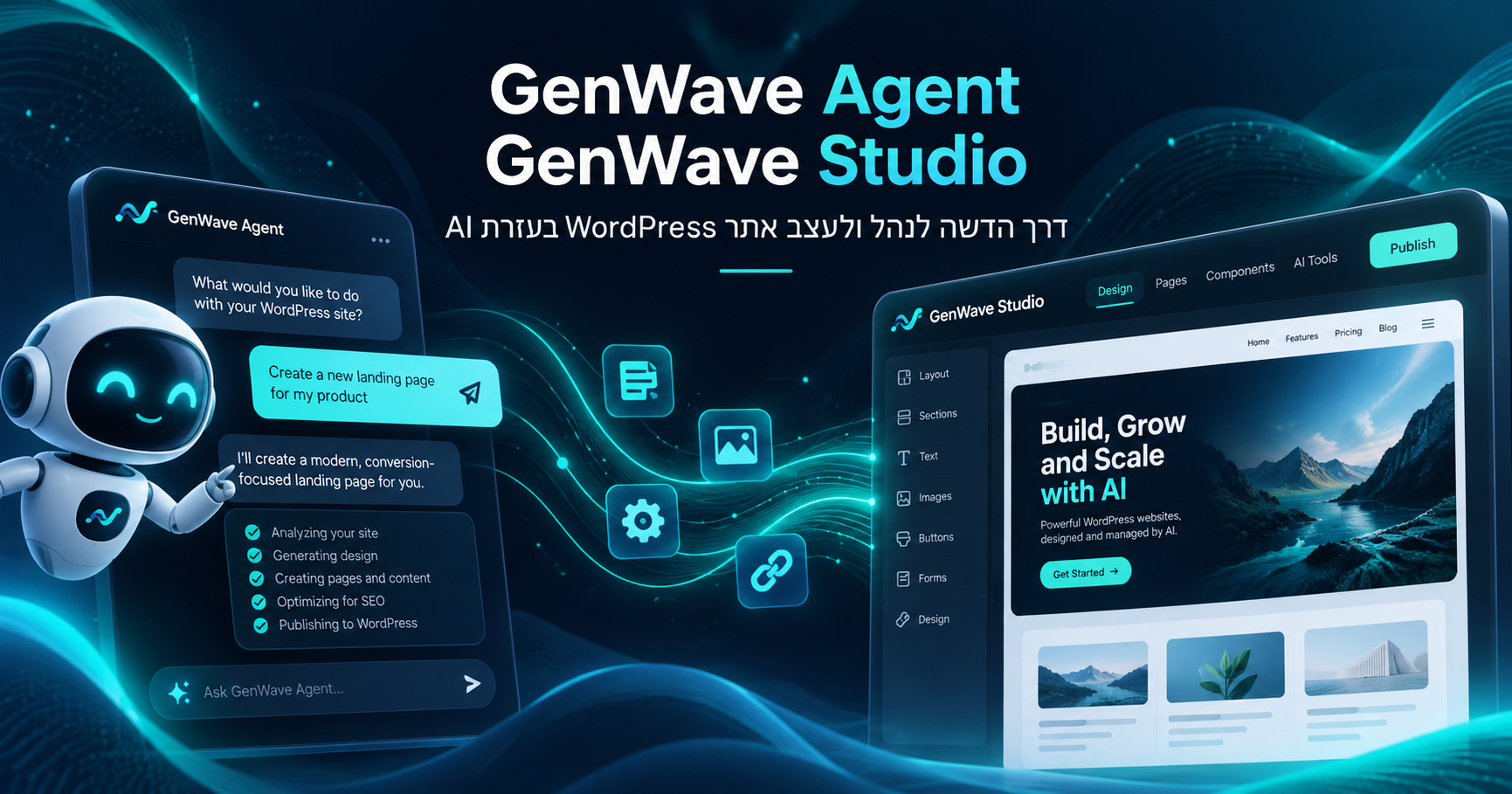
There are two main tools, each with its own job: GenWave Agent helps you manage the site, while GenWave Studio helps you shape what visitors see. They work together, but they're not the same thing.
GenWave Agent: Ask for the change instead of hunting for the button
Let's say you'd like your homepage to show the four latest posts from your blog. Rather than opening a page builder and figuring out the steps, you can tell the Agent: “Add my four latest blog posts to the homepage.”
The Agent works inside the WordPress admin area. It can read information from your actual site, work out which page you're talking about, and use the tools available on that site to make supported changes. It doesn't just give you instructions: when an action is supported, it can carry it out.
And it's not limited to pages. You can use it to help create and update content, work with WooCommerce products, manage plugins, and run certain site checks.
One important distinction: not every request can be completed automatically, and not every change happens instantly. Sensitive or destructive actions require approval, and some page-editing workflows let you preview a draft before publishing. The goal isn't to take control away from you. It's to make running the site less of a chore.
GenWave Studio: When the site needs a fresh look, too
Now imagine you're happy with your content and your store, but the website itself is looking a little dated. That's where GenWave Studio comes in.
Studio is designed to create a new, designed front end for an existing WordPress site. In everyday terms, WordPress keeps managing your content, posts, and products behind the scenes. Visitors can see those same things through a new visual experience built on top of that information.
You can work on page layouts, sections, colors, and other design elements. Design edits are kept as drafts so you can see how they look before you hit Publish.
The key point is that Studio isn't about deleting your old website and rebuilding everything from scratch. It's another way to present what you already have. For a WooCommerce store, for example, product and shop pages can get a new look while the cart, checkout, and account flows still rely on WordPress.
That doesn't mean every plugin or custom element will work exactly the same way in the new front end. Support varies, and some experiences still stay on the WordPress side.
How do the Agent and Studio work together?
Back to those four recent blog posts. If the site has a live Studio front end, the Agent can route the page-design work through Studio. You can prepare the change, look at the draft, and publish it when you're ready.
If the site uses a regular WordPress theme instead, the Agent follows an appropriate editing path, such as Elementor or the block editor, where relevant.
Put simply, the Agent helps tell your website what to do; Studio helps decide how it looks. When you update content in WordPress, Studio's synchronization process can bring that updated information into the new front end.
What does that mean in everyday life?
For a business owner, it can make routine updates less time-consuming. For a blogger, it offers a more conversational way to handle posts and pages. And for a store owner, it's a way to work on products and appearance without walking away from the platform already running the store.
It's worth keeping expectations realistic. This isn't AI replacing WordPress, and it isn't a promise that every request gets solved in one click. WordPress is still there, with its content, plugins, and features. GenWave adds another way to work with it — through conversation and, with Studio, through a new design and editing experience.
The short version
GenWave Agent helps you make changes to the site. GenWave Studio helps you change how the site looks.
You can use the Agent with your existing WordPress setup. Studio becomes relevant when you want a new front end as well. The idea is simple: spend less time figuring out where to click, and more time deciding what you actually want your website to do.