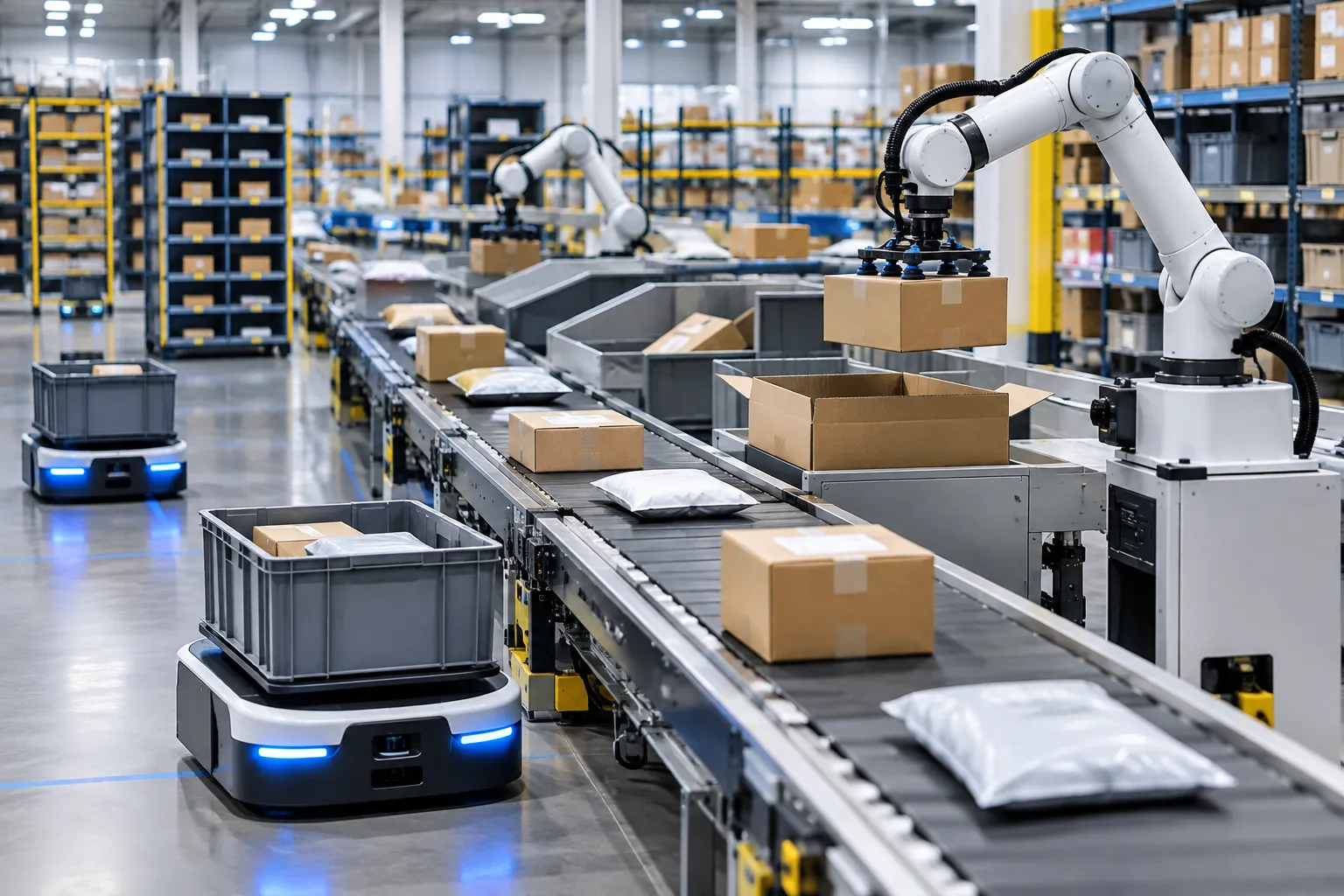
Managing order fulfillment in a WooCommerce store can become increasingly complex as your business grows. The manual effort involved in updating inventory, sending shipping notifications, and handling customer communications can be overwhelming and prone to errors. By leveraging AI, you can automate these processes, saving time and reducing mistakes.
Why Automate WooCommerce Order Fulfillment?
Order fulfillment is the backbone of your e-commerce business. Efficient management of this process ensures customer satisfaction and repeat business. However, manual handling of these tasks can lead to delays and errors. Automating order fulfillment helps in:
- Reducing manual effort: Automation handles repetitive tasks, freeing up time for strategic activities.
- Minimizing errors: AI reduces human error, ensuring accurate inventory updates and timely notifications.
- Enhancing customer experience: Consistent and timely updates improve customer satisfaction.
Setting Up AI Automation for WooCommerce
To automate your WooCommerce order fulfillment, consider the following steps:
1. Automate Inventory Updates
Keeping your inventory updated is crucial to avoid overselling and stockouts. AI can automatically adjust inventory levels in real-time as orders are placed. With Genwave Agent, you can set up rules to manage stock levels, ensuring that your inventory reflects the current status without manual intervention.
For example, you could set a rule to reorder stock when levels fall below a certain threshold, or to send alerts if a product is running low.
2. Send Automated Shipping Notifications
Customers expect timely updates on their orders. Use AI to send automated shipping notifications as soon as an order is processed. This can include tracking information and estimated delivery dates. Genwave Agent can integrate with your existing shipping providers, automating this communication effortlessly.
Consider setting up notifications for each stage of the order process: confirmation, dispatch, and delivery. This keeps customers informed and reduces the number of inquiries about order status.
3. Manage Customer Communications
Effective communication with customers is key to building trust. AI can help manage customer inquiries and provide updates on order status. The Genwave Chatbot can be trained on your store’s content to answer common customer questions in real-time, handing off to a human agent when needed.
Examples of common inquiries include questions about shipping times, return policies, and product availability. Training your chatbot on these topics can significantly reduce the workload on your customer service team.
4. Align AI Actions with Existing Workflows
When implementing AI, it's crucial to ensure that its actions align with your existing workflows and policies. Genwave Agent operates within the logged-in user's WordPress capabilities, ensuring that any automation respects your store’s policies. Before executing any action, it provides a preview for confirmation.
This ensures that AI-driven actions do not conflict with your established processes, such as promotional campaigns or special handling instructions for certain products.
What to Consider Before Choosing AI Automation
Before implementing AI automation, consider the following questions:
- What specific tasks do you want to automate, and how will this impact your current workflow?
- How will AI integration affect your existing systems and plugins?
- What level of control do you need over AI actions, and how will you monitor them?
- What are the costs associated with AI integration, and how do they compare to the benefits?
Answering these questions will help you determine whether AI is the right solution for your WooCommerce store and how best to implement it.
Getting Started with Genwave for WooCommerce
To begin automating your WooCommerce store, install the Genwave plugin. It connects your store with Genwave’s suite of AI tools. Once installed, you can explore what the Agent can do and customize it to suit your store's needs.
For a detailed walkthrough, visit the getting started guide. It provides step-by-step instructions on setting up and optimizing AI automation for your WooCommerce store.
Common Mistakes and How to Avoid Them
When implementing AI for WooCommerce, businesses often make these mistakes:
- Over-automation: Automating every task can lead to a loss of personal touch. Balance automation with human oversight.
- Poor training of AI: Ensure that AI tools are trained on relevant and accurate data to avoid misinformation.
- Ignoring customer feedback: Regularly review customer feedback to adjust AI actions for better service.
Avoiding these pitfalls will ensure a smooth implementation of AI tools in your WooCommerce store.
Frequently Asked Questions
How does AI improve WooCommerce order fulfillment?
AI improves fulfillment by automating tasks such as inventory updates, shipping notifications, and customer communications, reducing errors and saving time.
Do I need any special setup to use AI with WooCommerce?
No special setup is needed. Installing the Genwave plugin connects your store to AI tools, allowing you to automate processes seamlessly.
Can AI handle all customer communications?
AI can manage routine inquiries and updates, but complex issues may still require human intervention. The Genwave Chatbot is designed to hand off to a person when necessary.
What if AI makes a mistake in order processing?
Genwave Agent provides a preview of actions for confirmation, reducing the chance of errors. However, it's important to monitor AI actions initially to ensure they align with your processes.
Is there a cost associated with using AI for WooCommerce?
AI services are billed in "AI credits". For detailed pricing, visit the pricing page.
What happens if AI cannot fulfill an order?
If AI encounters an issue, it should be able to alert a human operator for intervention. Regular monitoring and setting up alerts for exception handling can mitigate potential issues.